
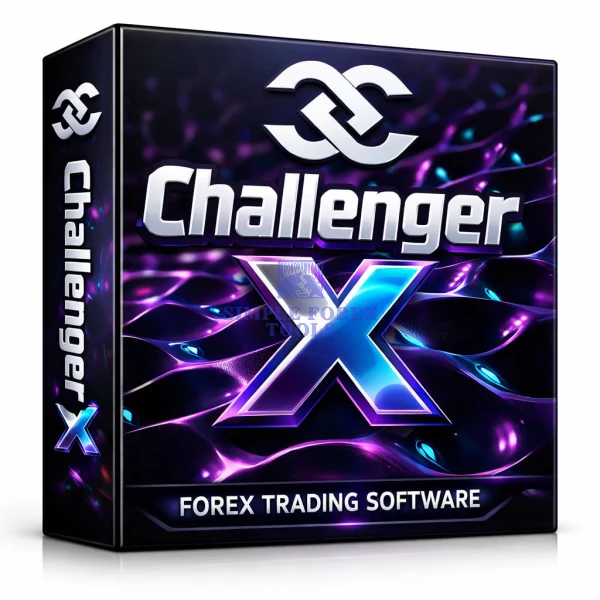


What Is Challenger X MT4 EA?
Challenger X MT4 EA is a next-generation automated trading system developed exclusively for MetaTrader 4 traders who prioritize precision, control, and sustainable account growth. Unlike aggressive robots that rely on high-risk strategies, this EA focuses on intelligent trade selection, strict capital protection, and adaptive execution tailored to today’s volatile Forex markets.
It includes:
-
Challenger X MT4 v1.1 setfiles download
-
Optional No DLL version
-
Lifetime updates
-
Unlimited usage
-
Ongoing improvements
This makes it one of the best EA robot for MT4 traders seeking consistency over speculation.
➡️ Vendor Website: Available on the official product page
➡️ Telegram Support: Join for updates, announcements, and support
Challenger X MT4 EA Review
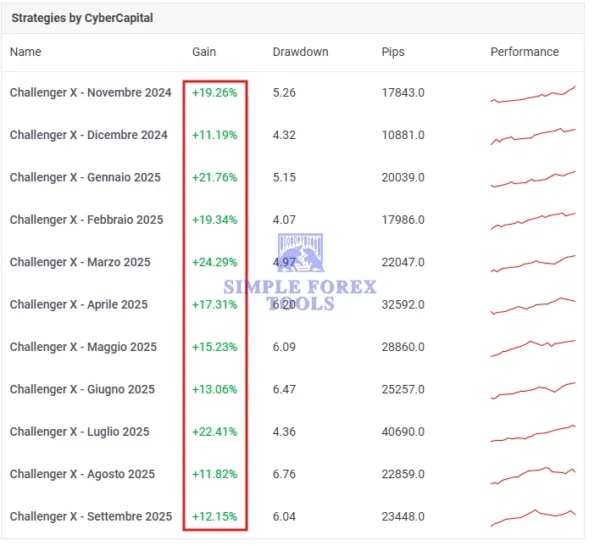
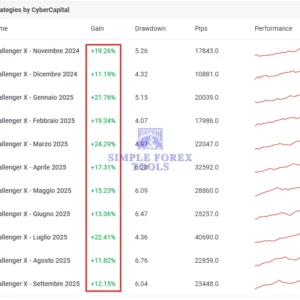
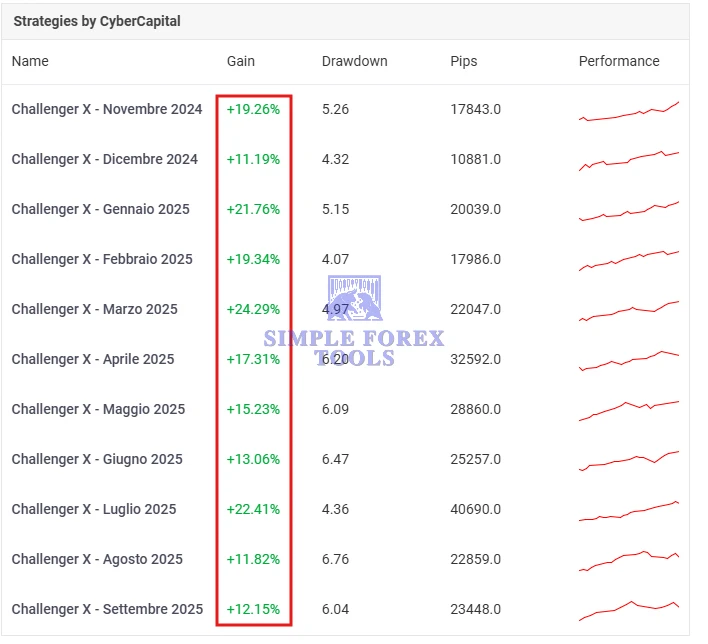
Challenger X MT4 EA MYFXbook Srategies Test | Check Live
From a strategic trading perspective, Challenger X stands out because it avoids:
❌ Martingale
❌ Grid trading
❌ Dangerous recovery systems
Instead, it applies structured execution logic and disciplined risk management. The goal is long-term account stability rather than short-term profit spikes.
For traders searching for the best MT4 EA, sustainability matters more than hype — and this system is built exactly for that.
Advanced Trading Algorithm Built for Performance
At its core, Challenger X MT4 EA uses a refined real-time algorithm that continuously evaluates:
-
Price structure
-
Market volatility
-
Trend direction
-
Momentum shifts
By analyzing these conditions simultaneously, the EA identifies high-probability entry and exit zones while reducing emotional interference often seen in manual trading.
This intelligent filtering system helps:
✔ Avoid market noise
✔ Reduce false signals
✔ Adapt to volatile sessions
✔ Handle news-driven price action
Optimized Exclusively for MetaTrader 4
Challenger X is built specifically for the MT4 platform, ensuring:
-
Fast execution speed
-
Stable performance
-
Wide broker compatibility (ECN & Standard)
-
Simple setup process
Whether you are a beginner or experienced trader, the EA robot MT4 interface is clean, structured, and easy to configure.
Intelligent Risk & Money Management
Risk control is the foundation of this system.
The EA includes:
-
Automated lot size calculation
-
Built-in stop-loss logic
-
Exposure limitation controls
-
Adjustable risk parameters
This structure protects trading capital while allowing steady growth – a key reason why many consider it among the best EA robot for MT4 solutions available.
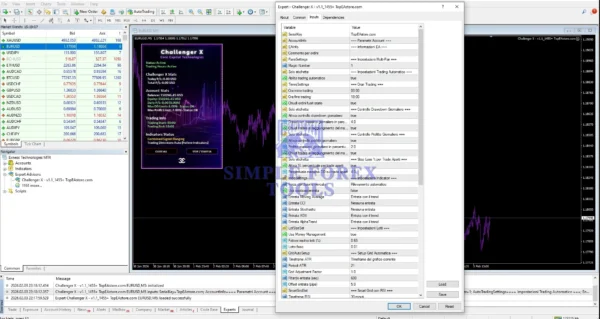
Flexible Settings & Preset Setfiles
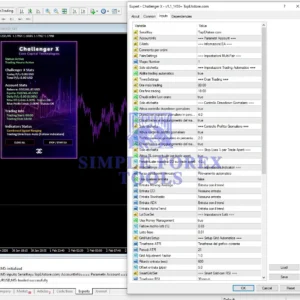
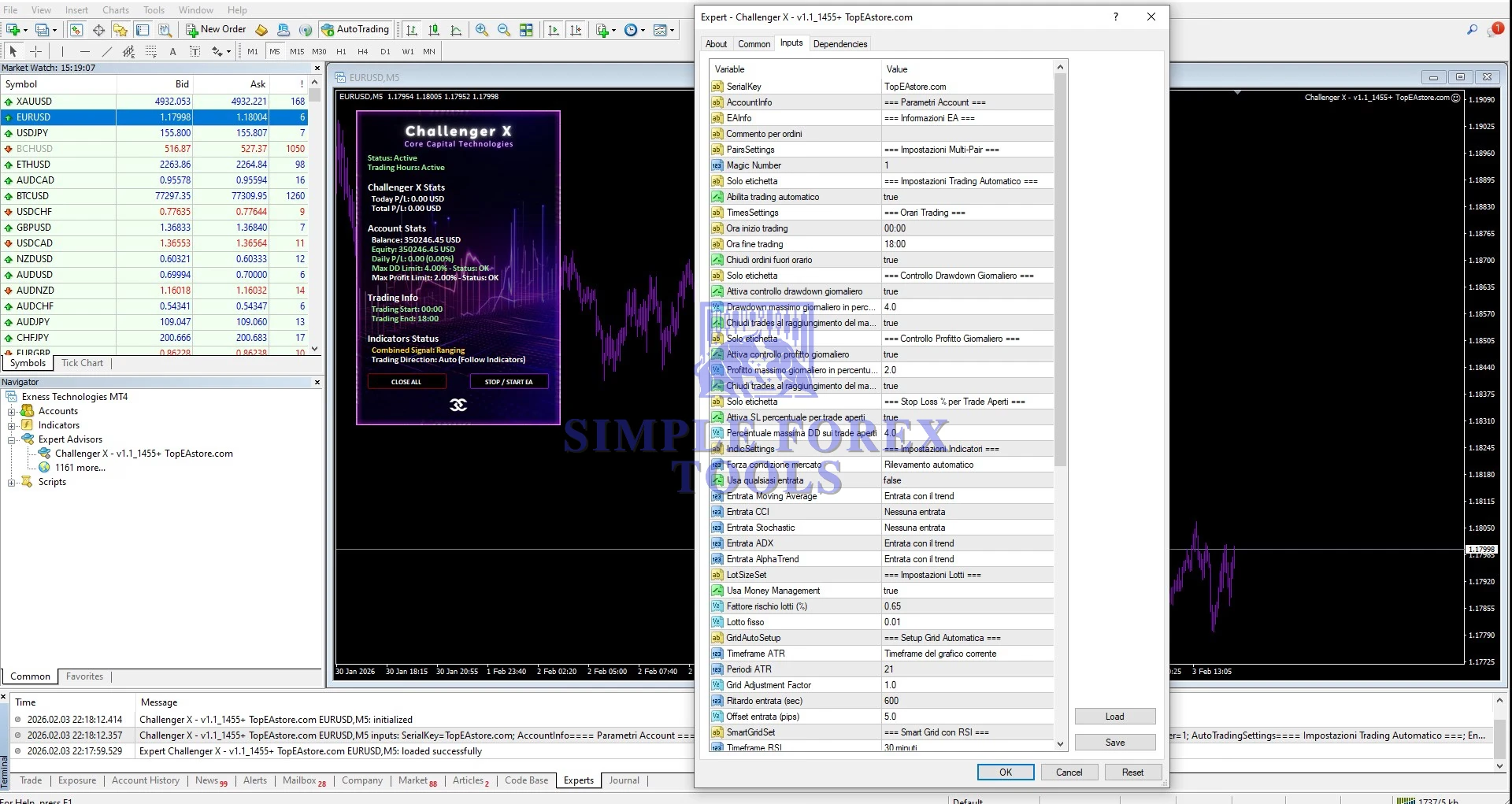
Challenger X MT4 v1.1 comes with optimized pre-set files to simplify setup.
Traders can:
-
Load Challenger X MT4 v1.1 setfiles free after purchase
-
Adjust risk levels
-
Optimize for different market conditions
-
Customize trading behavior
Clear configuration inputs ensure smooth optimization without unnecessary complexity.
Built for Real Market Conditions
Unlike systems that perform well only in backtests, Challenger X is engineered for live trading environments.
It adapts dynamically to:
-
Different Forex pairs
-
Changing volatility
-
Multiple trading sessions
This makes it suitable for both conservative and active trading styles.
Continuous Updates & Long-Term Support
Your purchase includes:
✔ Unlimited usage
✔ Free lifetime updates
✔ Ongoing system improvements
As market conditions evolve, the system is updated to maintain effectiveness and alignment with current trading dynamics.
How to Install Challenger X MT4 EA
Step 1: Download Files
Download Challenger X v1.1 and the included set files. Extract the files completely.
Step 2: Open MT4
Launch your MetaTrader 4 platform.
Step 3: Open Data Folder
Click:
File → Open Data Folder
Step 4: Copy EA File
Go to:
MQL4 → Experts
Copy the Challenger X (.ex4 / .mq4) file into this folder.
If using presets:
Go to MQL4 → Presets
Copy all .set files into this folder.
Step 5: Restart MT4
Close and reopen MetaTrader 4.
Step 6: Attach EA
Open Navigator (Ctrl + N)
Find Challenger X under Expert Advisors
Drag it onto your chart.
Step 7: Enable AutoTrading
Click AutoTrading and make sure it turns GREEN.
Step 8: Load Set File (Recommended)
In EA settings → Click Load
Select the provided .set file
Click OK.
Step 9: Final Check
✔ Allow Live Trading
✔ Allow DLL imports (only if using DLL version)
✔ Confirm smiley face appears on chart
📩 Free Support & Setup Help – Contact us 👉 Telegram Support
Final Verdict
Challenger X MT4 EA v1.1 is a disciplined, professional trading robot designed for traders who want automation without reckless risk. With smart algorithms, structured risk management, preset setfiles, and lifetime updates, it delivers a reliable trading experience tailored for real market conditions.
If you are searching for:
-
Challenger X MT4 v1.1 setfiles download
-
XG Gold Robot MT4 alternative
-
Best EA robot for MT4
-
Best MT4 EA with controlled risk
This system is built to meet those expectations.
Frequently Asked Questions (FAQ)
1. Is Challenger X MT4 EA suitable for beginners?
Yes. It includes preset files for quick setup, while offering advanced customization options for experienced traders.
2. Does Challenger X MT4 EA use martingale or grid strategies?
No. It follows intelligent trade filtering and controlled risk management principles.
3. Can I use Challenger X MT4 EA on multiple accounts?
Yes. It supports unlimited usage on compatible MT4 accounts.
4. Does Challenger X MT4 EA work with all brokers?
It is compatible with most MT4 brokers, including ECN and standard account types.
5. Are future updates included?
Yes. All future updates are provided free of charge.
Best Alternatives
-
Apex G MT4 EA – NO DLL | Download Now
-
FTMO 10K EA MT4 – MYFXBook Verified + SetFile | Download Now
-
Aurus Gold MT4 EA No DLL | Download Now




Reviews
There are no reviews yet.