

How Forex Robots Work in MT4 & MT5 ?
Every second in the forex market, algorithms are making decisions faster than any human possibly could. Trades open. Positions close. Stops adjust. Profits compound – or losses accelerate. Behind this silent activity lies a powerful tool most retail traders misunderstand: the forex robot.
In platforms like MetaTrader 4 (MT4) and MetaTrader 5 (MT5), these automated systems execute strategies without emotion, hesitation, or fatigue. But how do they actually work? What happens behind the chart when a robot takes a trade?
Understanding this isn’t optional. It’s strategic. Because once you understand the mechanics, you stop gambling – and start engineering outcomes.
➡️ Telegram Support: Join for updates, announcements, and support
Why Most Traders Misunderstand Forex Robots
Many traders believe robots are “money machines.”
Others assume they’re scams. Both views are oversimplifications. The real issue is this:
Most traders never understand the internal system architecture of MT4/MT5 automation. They don’t know:
-
How robots read market data
-
How they interpret indicators
-
How execution is triggered
-
How risk is calculated
-
How the broker receives trade instructions
Without this knowledge, traders:
-
Use poor settings
-
Overleverage accounts
-
Misinterpret back-tests
-
Disable protections
-
Blame the robot instead of the configuration
To trade intelligently, you must first understand the engine.
What Is a Forex Robot in MT4 & MT5?
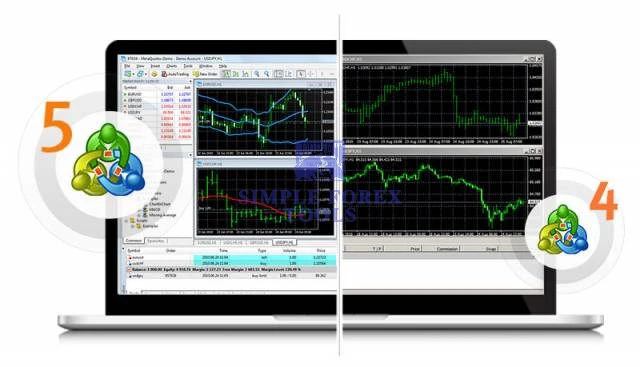
A forex robot – technically called an Expert Advisor (EA) – is a programmed trading algorithm written in MQL4 (for MT4) or MQL5 (for MT5).
It operates inside the MetaTrader terminal and:
-
Continuously scans price data
-
Applies mathematical logic
-
Executes trades automatically
-
Manages open positions
-
Controls risk parameters
Important distinction:
An EA does not “predict” the market.
It executes pre-coded decision logic based on rules.
If price conditions match programmed criteria → trade is executed.
If not → no action.
It is rule-based automation. Nothing mystical. Just logic and speed.
What Happens Internally
Let’s break down the internal workflow step-by-step.
1. Data Feed Processing
The broker sends live tick data (bid/ask prices) to MT4/MT5.
The EA constantly listens for these updates.
Every new price tick triggers the robot’s internal logic loop.
2. Condition Evaluation Engine
The EA checks programmed rules such as:
-
-
Moving Average crossover
-
RSI overbought/oversold
-
Breakout above resistance
-
Time-based session filter
-
Volatility thresholds
-
These rules are coded using mathematical conditions like:
-
-
If MA(50) > MA(200)
-
If RSI < 30
-
If price > previous high
-
If conditions are satisfied → proceed to trade logic.
3. Risk Calculation Module
Before placing a trade, the EA calculates:
-
-
Lot size
-
Stop loss distance
-
Take profit target
-
Risk percentage per trade
-
Account balance scaling
-
Advanced robots use:
-
-
Dynamic lot sizing
-
Equity-based compounding
-
ATR-based stop distances
-
Spread filters
-
This stage is critical.
Good robots manage risk first – profit second.
4. Trade Execution Layer
The EA sends an order request to the broker’s server via MT4/MT5.
Order types may include:
-
-
Market orders
-
Pending orders
-
Stop orders
-
Limit orders
-
Execution speed depends on:
-
-
Broker latency
-
VPS hosting quality
-
Server response time
-
Milliseconds matter in scalping systems.
5. Trade Management System
After entry, the robot continues managing the trade by:
-
-
Trailing stop adjustments
-
Break-even logic
-
Partial profit closing
-
Grid additions (if programmed)
-
Hedging positions (if enabled)
-
This management layer separates basic robots from professional systems.
Strategic Feature Breakdown
Here are the core structural features you’ll find in most MT4/MT5 robots:
-
Signal Engine – Defines trade entry logic
-
Money Management Module – Controls risk exposure
-
Execution Handler – Communicates with broker
-
Error Handling System – Retries failed orders
-
Spread & Slippage Filters – Protect against poor fills
-
Time Filters – Restrict trading sessions
-
News Filters (Advanced EAs) – Avoid high-impact volatility
Each component plays a role in long-term stability.
Tactical Real-World Example
Imagine a London session breakout robot.
Here’s how it operates:
-
Between 7:00–9:00 GMT, it records the high and low range.
-
If price breaks above the range high → buy order.
-
Stop loss = opposite side of range.
-
Take profit = 1.5× range size.
-
Risk = 1% per trade.
If price breaks downward instead → sell order.
The robot doesn’t guess. It waits. Executes. Manages.
This is structured automation – not gambling.
Benefits
1. Emotional Elimination
Robots remove fear and greed because they execute logic, not impulses.
2. 24/5 Operation
Forex markets run continuously – humans don’t. Robots monitor every tick.
3. Speed
Execution occurs in milliseconds – essential for scalping strategies.
4. Consistency
The same rules are applied repeatedly without deviation.
5. Back-testing Capability
MT4 and MT5 allow historical testing using built-in Strategy Tester tools.
Consistency creates measurable performance – and measurable performance allows optimization.
Risk & Limitation Analysis
Let’s stay realistic.
Forex robots are not flawless.
Limitations include:
-
Over-optimization during back-testing
-
Broker manipulation (high spreads, slippage)
-
Market regime changes
-
VPS downtime
-
News volatility spikes
A robot built for trending markets may collapse in sideways conditions.
Automation magnifies both strengths and weaknesses.
Common Strategic Mistakes
Many traders sabotage robots without realizing it.
Avoid these errors:
-
Using default settings blindly
-
Overleveraging for faster gains
-
Ignoring broker spread conditions
-
Not using a VPS
-
Running multiple grid EAs simultaneously
-
Disabling stop losses
Automation requires discipline.
Advanced Optimization Insights
If you want professional-level performance:
-
Use real tick data back-testing
-
Optimize parameters within realistic ranges
-
Forward test on demo before live deployment
-
Match strategy to market conditions
-
Monitor drawdown, not just profit
-
Use low-spread ECN brokers
-
Deploy on low-latency VPS
Professional traders treat robots like systems — not lottery tickets.
People Also Ask
1. Are forex robots legal?
Yes. They are legal in most jurisdictions, provided your broker allows algorithmic trading.
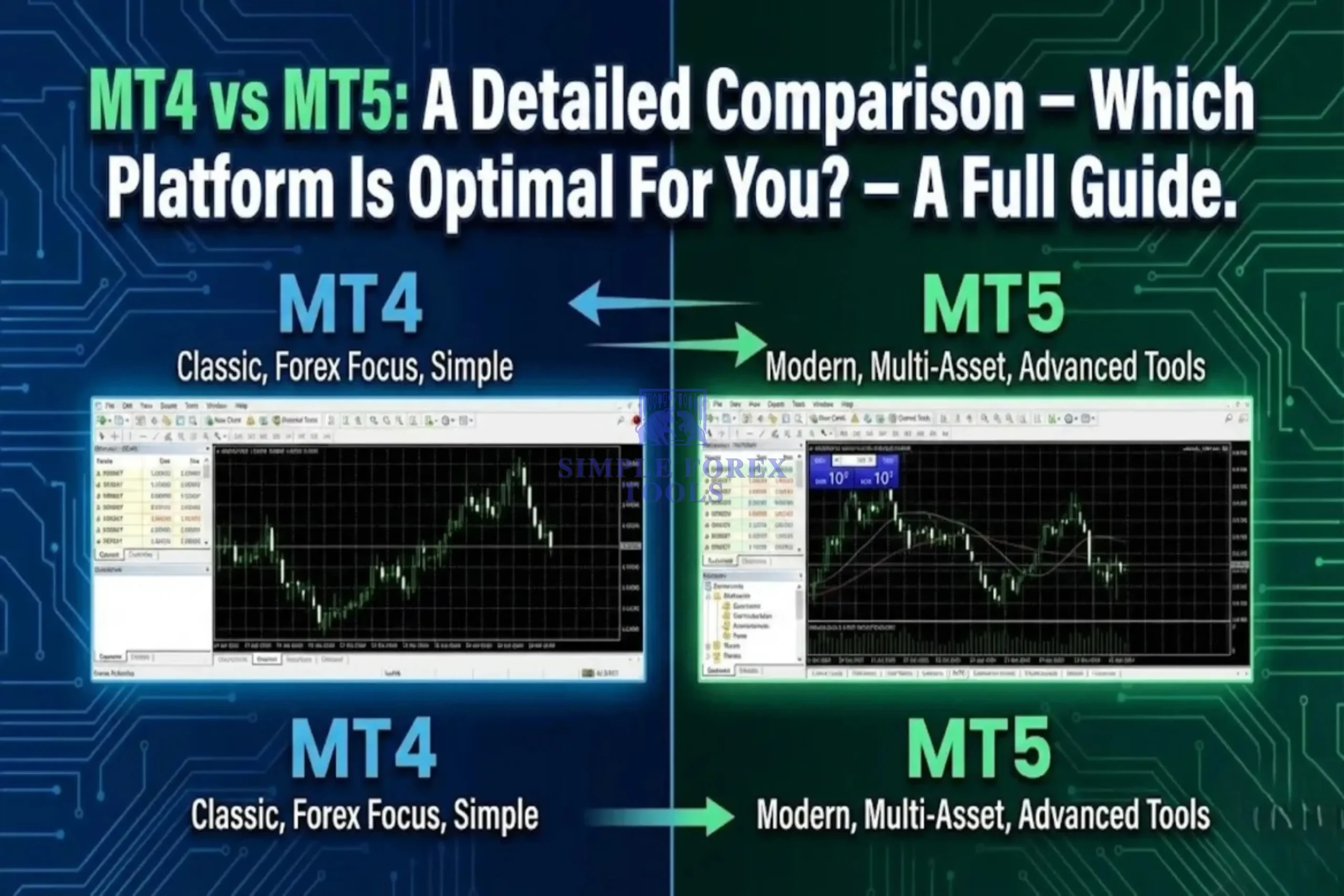
2. Do MT4 and MT5 robots work the same way?
Structurally similar, but MT5 uses more advanced architecture and multi-threaded testing.
3. Can forex robots guarantee profit?
No. Market conditions change constantly.
4. Do I need coding knowledge to use one?
No – but understanding configuration improves performance.
Frequently Asked Questions (FAQ)
1. What programming language do MT4 robots use? – MQL4.
2. What language does MT5 use? – MQL5.
3. Can I run multiple robots at once? – Yes, but monitor margin and risk exposure.
4. Do robots work on all currency pairs? – Only if optimized for those pairs.
5. Is VPS necessary? – Highly recommended for stability.
Recommended Tools & Resources
To scale your automated trading properly, consider structured Tools
-
Evara MT5 EA – AI Powered Adaptive Scalping EA| Download Now
-
BTX Scalper Pro EA MT5 – High-Speed Automated Trend-Flow Scalper | Download Now
-
VIGRO PRO V5 EA MT4 – Intelligent Gold Scalping Automation for XAUUSD | Download Now
➡️ What Is The Forex EA – Read this Article
Final Thoughts – Automation Is a Tool, Not a Shortcut
Forex robots in MT4 and MT5 are powerful – but only in the hands of informed traders.
They operate on logic.
They execute mathematics.
They amplify structure.
But they require understanding, optimization, and discipline.
If you want deeper insights, advanced system breakdowns, and carefully tested trading tools, explore the recommended resources and join our Telegram community for continuous updates and structured learning.
Trade smarter.
Automate strategically.
Think like an engineer – not a gambler.


Best Low Drawdown Forex EA 2026 - Verified Robots With Controlled Risk | Instant Download

Best Gold Trading EAs 2026 - Verified XAUUSD Robots That Profit | Unlimited

What is a Forex EA ? Complete Beginner Guide (Expert-Level Breakdown)

Diamond Pro MT5 Settings Review - Full Analysis
Mad Turtle EA MT5 Setting Review - A Practical Setup Guide for Real Traders
FortiFx Master CL MT4 EA Settings Review - A Practical Setup Guide for Real Traders
